
Google Business Profile Verification Problems in 2026: What to Do When Video Verification Fails
- You submit your video verification.
- You wait.
- Days pass.
Then suddenly… Google asks you to verify again — or worse, gives no explanation at all.
In 2026, Google has tightened verification rules across the board, especially for service businesses, new listings, and locations in shared shopping centers. The result? Legitimate businesses are getting stuck in repeated verification cycles that block them from appearing on Google Search and Maps.

The good news: most verification failures have clear causes — and once you know what Google is looking for, you can fix them.
Let’s walk through why video verification fails and exactly what to do next.
- ⸻
- Why Google Is Requiring More Video Verification in 2026
- Google’s goal is simple: stop fake listings, spam businesses, and lead-gen scams.
Unfortunately, the stricter system also affects real businesses. Listings are now more likely to require video verification if:
- • The business was recently created or reinstated
- • The address is in a shopping center or shared building
- • The category is high-spam (marketing, contractors, locksmiths, etc.)
- • The profile info was edited after approval
- • Google detects unusual activity or inconsistencies
When any of these signals appear, Google may remove visibility until verification is completed successfully.
What Google Wants to See in a Verification Video
Most failed videos happen because they don’t show enough proof of legitimacy.
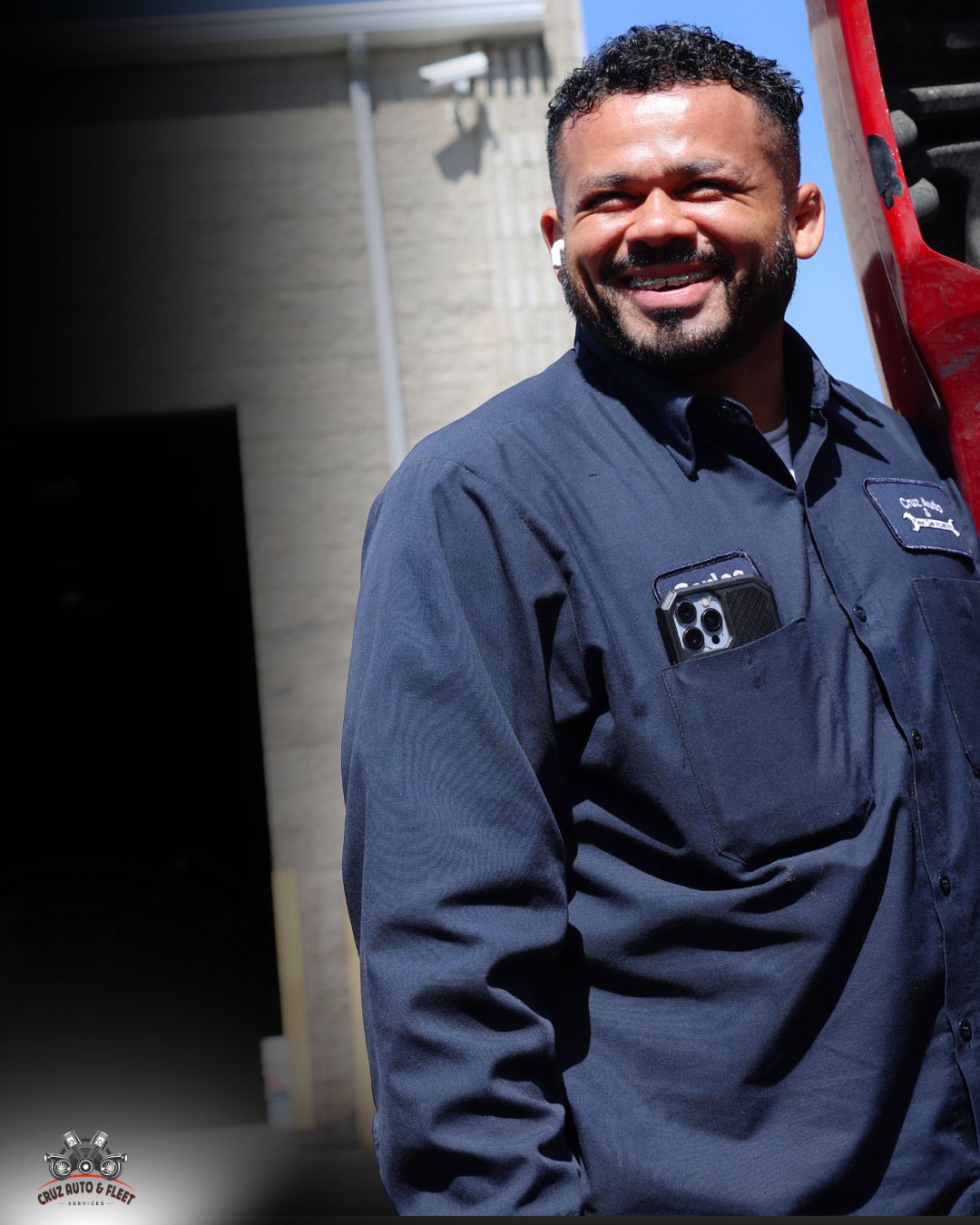
Google expects a continuous, unedited video that clearly proves:
- Your Physical Location Exists
Show:
- • Street signage and surrounding businesses
- • Your storefront or suite number
- • Permanent exterior signage
- If you’re inside a plaza or office complex, this step is critical.
-
- You Can Access the Business
- Google wants proof you actually operate there.
- • Unlocking the door
- • Entering the space
- • Walking inside showing operator access
- If Google doesn’t see this clearly, the video may be rejected automatically.
-
- The Business Is Real and Operational
Inside the location, show:
- • Workstations, equipment, or treatment rooms
- • Business signage inside
- • Printed materials, uniforms, tools, or products
The goal is to demonstrate this isn’t an empty space or temporary setup.
Common Reasons Video Verification Fails
From what we’re seeing across Las Vegas businesses, most failures come down to a few repeat issues:
- The video is too short
- Google wants a full walkthrough. Quick clips often get rejected.
- No exterior signage shown
- Even legitimate businesses fail if signage isn’t clearly visible.
- Suite number or building entrance missing
- Shared shopping centers are flagged heavily right now.
- Door access not demonstrated
If Google doesn’t see you unlock or enter, it may assume you don’t operate there.
- Profile edited after submission
- Changing categories, address formatting, or hours can restart the process.
- What To Do If Your Verification Video Is Stuck Pending
- If your video has been pending for several days, don’t panic yet.
Typical timelines now range from:
- • 3–5 days (fast approvals)
- • 7–10 days (common delays)
- • 14+ days if additional review is triggered
While waiting:
- • Avoid editing your profile
- • Don’t upload new verification attempts unless prompted
- • Monitor your email and GBP dashboard daily
- Making changes mid-review can reset the queue.
- What To Do If Google Requests Verification Again
This is the most frustrating scenario — and it’s happening a lot in 2026.
If Google asks you to redo verification:
Step 1: Record a stronger, longer video
Include:
- • Street sign → storefront → unlocking door → inside walkthrough
- • Clear signage and business materials
- • No cuts, no filters, no narration needed
- Step 2: Upload immediately from the GBP app
- Avoid recording externally and uploading later if possible.
- Step 3: Submit a support ticket if the cycle repeats
- If verification fails twice, request manual review through support.
- • Business license
- • Website link
- • Photos of signage
- • Explanation of location setup
- Manual reviews often resolve cases automated systems can’t.
- How Verification Issues Affect Your Visibility
While verification is pending or failing:
- • Your business may not appear in Google Maps
- • Customers may not find you in search
- • Reviews may not display properly
- • Calls and website clicks drop dramatically
- For many Las Vegas small businesses, this means losing real customers daily.
- Verification isn’t just a technical step — it directly impacts revenue.
- How to Prevent Future Verification Problems
- Once approved, protect your listing.
Do:
- • Keep business info consistent everywhere online
- • Add real photos regularly
- • Avoid unnecessary category or address changes
- • Update hours carefully
Don’t:
- • Move locations without updating signage first
- • Share manager access loosely
- • Make multiple edits at once
- Trust signals build over time. Sudden changes can trigger re-verification.
- Get Professional Google Business Profile Verification Help
If you’re stuck in verification limbo, you’re not alone. Many legitimate Las Vegas businesses are dealing with repeated video verification failures right now.
The fastest solution is often having someone experienced review the listing, guide the video process, and escalate support if needed.
Two Four Media works with local businesses to resolve verification issues, stabilize listings, and build long-term search visibility so customers can actually find you.
Need help getting verified and visible?
If your Google Business Profile is stuck, failing verification, or not showing in search, let’s fix it.
Contact Two Four Media today for Google Business Profile verification help and get your business back on Google.
Comments
More in Social & Web Strategy
- 10 Local SEO Mistakes That Could Be Costing Your Business Customers
- Boost Your Business with Local SEO Strategies
- Boost Your Local Business Visibility with Effective SEO Strategies
- Effective Local SEO Strategies for Las Vegas Businesses
- Google Business Profile Optimization: How to Drive Local Customers
- How Google Business Profile Optimization Impacts Your Revenue (Not Just Your Rankings)
Call (725) 373-3469
Keep reading
Related from the desk
10 Local SEO Mistakes That Could Be Costing Your Business Customers
When potential customers search for businesses in their area, they usually choose from the first few results they see on
Boost Your Business with Local SEO Strategies
If you want your local business to thrive, you need to be found online. It’s that simple. But how do you stand out in a
Boost Your Local Business Visibility with Effective SEO Strategies
When customers look for services nearby, they often type phrases like “plumber near me,” “auto repair Las Vegas,” or “be
Want this handled for you?
The profile, the posting, the reviews and the site behind them.
Two Four Media
Local visibility systems for service businesses across the Las Vegas valley. Built in Henderson since 2019.
Services
Contact
(725) 373-3469 (702) 469-2870[email protected] Henderson, NV 89011
More
Concept design for Two Four Media. Photography is the company’s own work. This is not the live site.
We email you a link to confirm the address. You are not on the list until you click it.
- Social & Web Strategy
